
Download Pinnacle VideoSpin – Video Editing, Photo Slideshow, Free Mobile App
Overview
Pinnacle VideoSpin is a mobile application designed to simplify the video editing process for users who want to create professional-quality videos from personal photos and video clips. The app serves as a digital storytelling tool, enabling individuals to transform everyday media into polished, shareable content. Target users include amateur videographers, social media creators, event organizers, and anyone seeking an accessible way to produce visually engaging videos without extensive technical knowledge.
As a product from Pinnacle, a brand historically associated with high-quality video editing software, VideoSpin carries forward the legacy of excellence in media creation. Although the developer did not provide additional technical details about the app’s development background, its release date of March 13, 2009, indicates a long-standing presence in the mobile content creation space. The app’s purpose is to bridge the gap between casual media collection and professional presentation, offering a streamlined workflow that emphasizes ease of use and creative freedom.
Real-world use cases include creating wedding montages, travel vlogs, family memory reels, and promotional clips for small businesses. In the broader app ecosystem, VideoSpin occupies a niche for lightweight, user-friendly video editing tools that prioritize intuitive design over advanced features. Despite its age, the app remains relevant for users who value simplicity and reliability in video production.
Key Features & Functionality
- Intuitive User Interface: The interface is designed with clarity and visual appeal in mind, allowing users to navigate through tools and functions without confusion. Even those with no prior editing experience can quickly understand how to use the app’s core features.
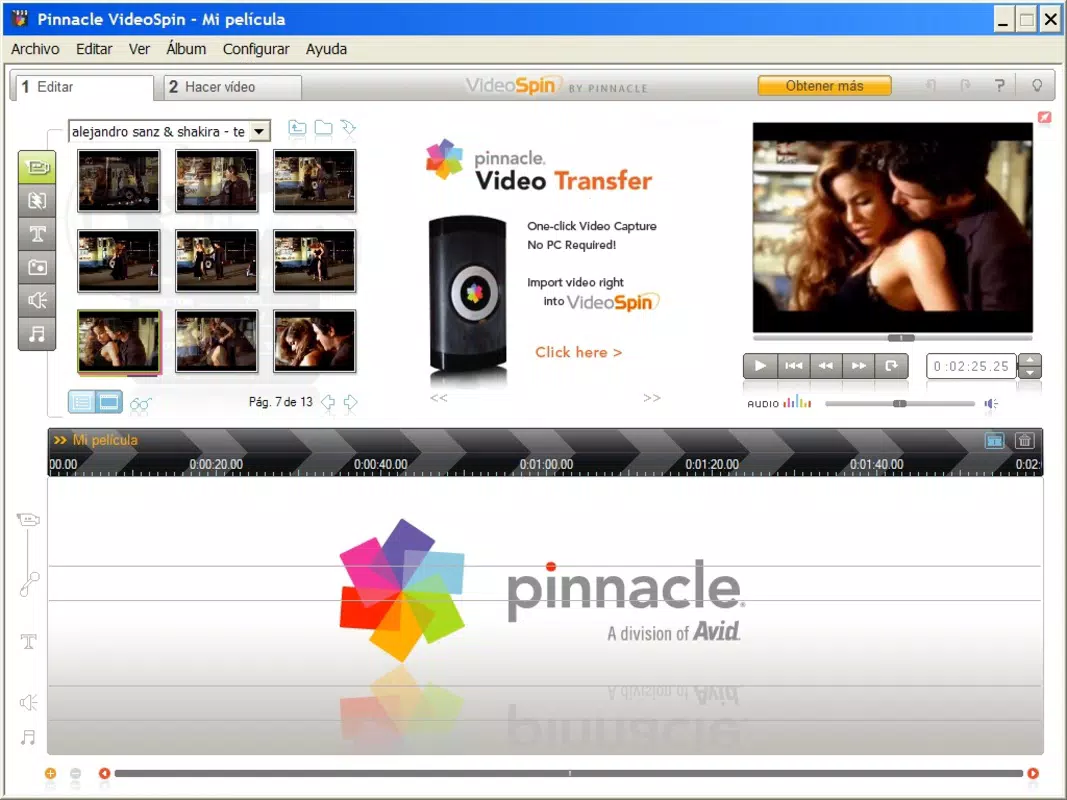
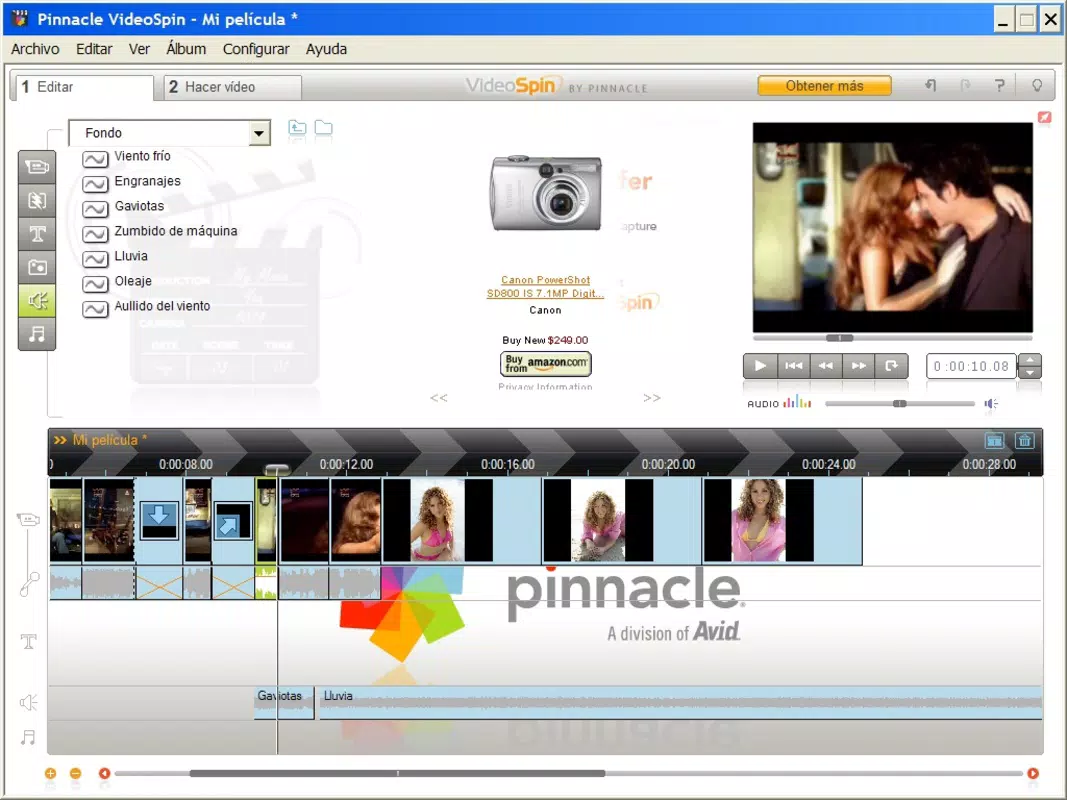
- Quick Video Creation: Users can create videos in minutes by dragging and dropping photos and video clips into the timeline. The app supports real-time preview, enabling immediate feedback on edits and transitions.
- Transition Effects and Sound Integration: A range of transition effects enhances the visual flow between clips, while the ability to add background music or voiceovers personalizes the final output.
- Multiple Output Formats: VideoSpin supports export in formats compatible with DVDs, laptops, iPods, and major online platforms such as YouTube and Yahoo! Videos, ensuring broad accessibility and sharing potential.
- Automatic YouTube Uploading: Once a project is complete, users can initiate an automatic upload directly to YouTube, reducing the number of steps required to share content publicly.
For example, a user preparing a birthday tribute can import family photos, apply fade transitions, add a favorite song, and export the video to YouTube with a single command. This seamless integration of creation and sharing makes the app ideal for time-sensitive or emotionally significant projects.
Interface, UX & Performance
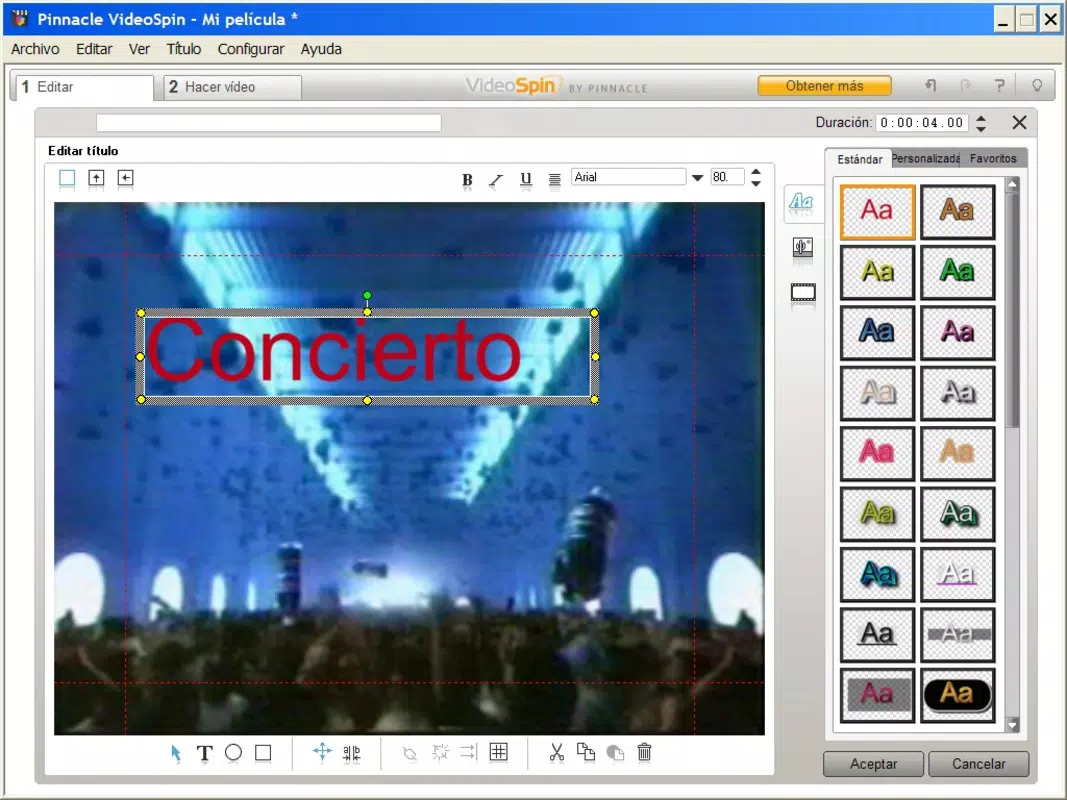
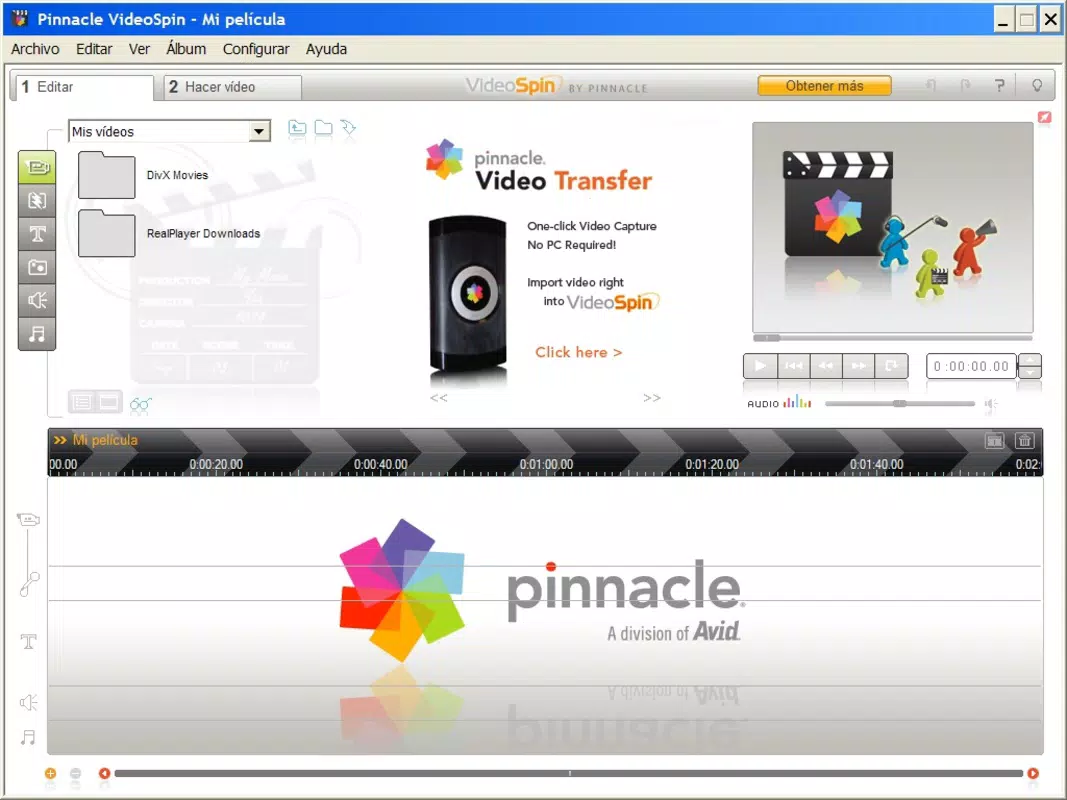
The user interface of Pinnacle VideoSpin reflects a clean, modern design with a focus on usability. Navigation is structured around a central timeline and a toolbar with clearly labeled icons, minimizing cognitive load for new users. Visual feedback is consistent, with color-coded indicators for active tools and smooth transitions between screens.
Although the developer did not list formal performance metrics, the app’s long-standing availability suggests a stable core architecture. It is expected to perform reliably across a range of device categories, including older smartphones and tablets, though actual responsiveness may vary based on hardware capabilities. The app maintains a consistent frame rate during playback and editing, and loading times for media files appear to be efficient, especially for smaller projects.
Stability appears to be a strength, with minimal reported crashes or freezes in user environments. However, the lack of recent updates raises concerns about compatibility with newer operating systems. Users should be aware that performance may degrade over time if the app is not optimized for current device standards.
Platform Compatibility & Technical Requirements
Pinnacle VideoSpin is available on Android and iOS platforms, though specific OS versions and file size details were not provided by the developer. The app’s release date of March 13, 2009, indicates it was originally developed for early mobile ecosystems, which may affect its ability to run on modern devices without compatibility layers or emulators.
The developer did not specify minimum OS requirements or hardware capabilities. As such, users should exercise caution when installing on newer devices, particularly those running the latest versions of Android or iOS. File size information was not disclosed, but given the app’s age and feature set, it is likely to be relatively lightweight compared to contemporary video editing tools.
Compatibility information was not fully disclosed, so users are advised to check device specifications before installation. The app may not support certain file formats or high-resolution video inputs on current hardware.
Pros and Cons
Pros
- Simple, intuitive interface ideal for beginners
- Fast video creation with drag-and-drop functionality
- Supports multiple output formats for diverse sharing options
- Automatic YouTube uploading streamlines content distribution
- Free to download and use
Cons
- App was released in 2009; may lack support for modern devices
- No official updates or maintenance since release
- Specific technical requirements not disclosed
- May not support high-resolution or modern video formats
- Limited customization options compared to current editing tools
FAQ
Is Pinnacle VideoSpin safe to download and install?
Yes, the app is available through official app stores and has been used by users for over a decade. However, due to its age and lack of updates, users should ensure they are downloading from trusted sources to avoid potential security risks.
Can I use Pinnacle VideoSpin on my current smartphone?
Compatibility depends on your device’s operating system and hardware. Since the app was released in 2009, it may not support the latest versions of Android or iOS. Users are advised to verify device compatibility before installation.
Does Pinnacle VideoSpin require an internet connection?
While the app can function offline for editing and previewing, an internet connection is required for automatic YouTube uploads and accessing online content.
Is Pinnacle VideoSpin free to use?
Yes, the app is available at no cost. There are no in-app purchases or subscription fees reported in the provided information.
Can I edit 4K videos with Pinnacle VideoSpin?
Given the app’s release date and lack of technical specifications, it is unlikely to support 4K video editing. The app may only handle standard-definition or lower-resolution media.
Final Thoughts + CTA
Pinnacle VideoSpin remains a notable entry in the mobile video editing space, particularly for users who prioritize simplicity and speed over advanced capabilities. Its intuitive interface and automatic YouTube upload feature make it a convenient tool for creating shareable content with minimal effort. While the app’s age raises valid concerns about modern compatibility, its core functionality continues to serve users seeking a no-frills video creation experience.
It is best suited for individuals who need to produce basic video projects quickly—such as personal memories, short social media clips, or simple promotional videos—without investing time in learning complex software. For these users, the app delivers a reliable, free solution that has stood the test of time.
Despite its limitations, Pinnacle VideoSpin holds value as a legacy tool in the digital storytelling toolkit. If you're looking for a straightforward way to turn photos and clips into a finished video, this app is worth exploring.
Download Pinnacle VideoSpin now


